
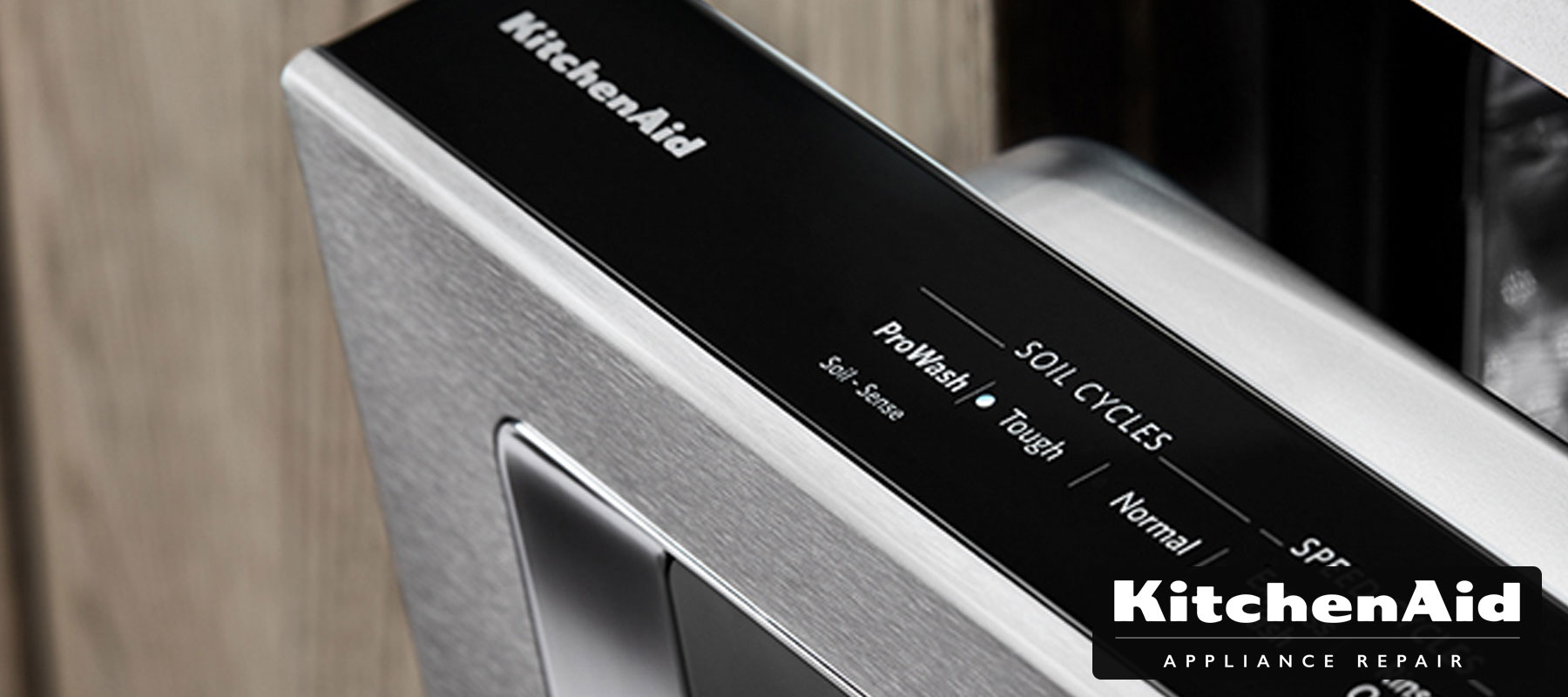
Kitchenaid dishwashers provide great comfort to every homeowner by handling the dishes for you. As you typically run your dishwasher daily, it’s supposed to encounter a problem with its controls lock. Once this functionality stops working, disabling or resetting the hardware may make a big difference.
Disable Control Lock
Locate the control lock button on the keypad. The one responsible for the control lock depends on the dishwashing model. Most Kitchenaid dishwashers come with an individual button that says “Control Lock.” When your unit doesn’t come with it, look at the 4 Hour Delay button for the words indicated under it. The buttons may be located on top of the door that may vary from model to model.
Long press the lock button for at least three seconds to open the control panel. Pay attention to the red control light beside the buttons on the control panel. It may blink three times prior to shutting down. It only indicates your attempt was good! When the light is off, you may prepare the unit for a new cycle as you regularly would.
Lock the unit by holding the control button for three seconds. Make use of the control lock or whatever button you press to unlock the dishwasher. Press it down until the “Control Locked” blinks on. It indicates that it is locked, thus you can’t change the setting of the wash cycle during its operation.
Reset Unit Controls
Find the wash and dry functions on the panel. The control panel is usually located on top of the unit door. The buttons available depend on the model of the KitchenAid dishwasher, so check the labels well. Locate the “Hi Temp” scrub or wash functions. Then, look for the one labeled “Air Dry” or “Heated Dry”.
Press the wash and dry functions five times alternately. Begin with the high-temperature wash setting. Set it and proceed to the dry function. Hold it once prior to pressing the wash option. Do it again until the unit diagnostic mode is on.
Let the unit run one cycle check if it is already activated. Look at the lock and the lights on the unit panel to turn on and off. When the dishwasher sets to diagnostic mode, it starts resetting. At this stage, you may hear several parts such as rinse arms and heating element works. Allow the dishwasher until it ceases running a cycle.
Remove the power source of the dishwasher for at least 60 seconds when it’s still locked. Take the cord out from the wall and then observe. When you can’t reach the cord, you may go to the circuit breaker that is typically behind the lower floor or basement. Shut down the power to the kitchen. After 60 seconds, reconnect the power and run a cycle again. That should help activate the control lock/
Once your KitchenAid dishwasher still gets a control lock issue, don’t hesitate to contact the KitchenAid Appliance Repair Professionals to book an appointment. Let our experts help you save your unit and time with our fast and efficient services. Also, check out our services for KitchenAid cooktop repair and KitchenAid stove repairs.